
OEVIS®
All-in-one Vision Software for Factory Automation


Key advantages
- Ease of use
Intuitive, flowchart-based development with no programming required - All-in-one
Develop and execute with the same license. Effortlessly configure any GenIcam camera. - Easy integration
Supports diverse hardware and communication protocols - Comprehensive support
Access extensive resources, example programs, support and training - Advanced capabilities
Handle complex inspections with multiple cameras, optimize performance with multi‑threading, and run AI inference using native ONNX deep learning models.
OEVIS® is a next‑generation machine vision software platform, developed in‑house by Opto Engineering® and designed to enable the creation of advanced inspection applications without writing code. Its visual development environment and built‑in HMI Designer simplify the creation of the complete vision software application: from connecting cameras and automation devices, to image acquisition and analysis, all the way to operator interfaces. State‑based Recipes and secure User Management ensure organized and controlled operation even in demanding production environments. OEVIS® does not require proprietary controllers: it runs on standard industrial PCs and integrates with devices from different vendors.
By combining a comprehensive library of rule‑based vision tools with machine‑learning functions and native ONNX deep learning inference, OEVIS® delivers the flexibility needed to handle applications of any complexity: from simple measurements to advanced AI‑powered inspections. Native asynchronous multi‑camera support and high‑performance multithreading options make it easy to build both single‑camera systems and advanced multi‑view configurations. Intuitive debugging tools further streamline development and optimization.
Designed for full industrial integration, OEVIS® software communicates with PLCs and automation devices via Modbus, TCP/IP, OPC UA and other widely used protocols. IT‑ready interfaces such as REST API, HTTP, WebSocket and MQTT enable analytics, dashboards, MES integration and remote monitoring. For advanced customization needs, OEVIS® supports inline C# scripting and native integration of proprietary .NET/C++ code, providing the flexibility required to implement custom logic and advanced algorithms.
Main functionalities
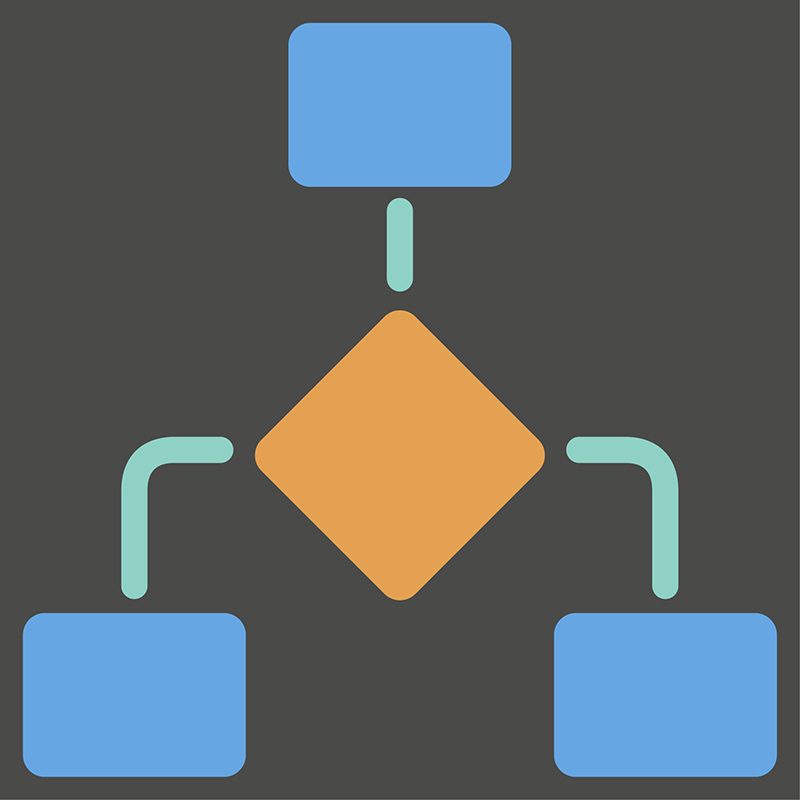
Build vision applications faster with an intuitive, block-based workflow that connects image processing tools, logic blocks, and data paths, no code required.

Build modern, customized Human-machine interfaces directly inside OEVIS® using an integrated drag and drop designer. Arrange controls visually, link them to vision tool properties, and extend your UI with .NET/WPF components.

OEVIS® supports asynchronous multi camera acquisition out of the box, enabling flexible multi view or multi station inspection setups without extra licenses or add ons.
Solve any inspection challenge with an extensive toolset covering acquisition, alignment, measurement, defect detection, classification, OCR, blob analysis, and more.
Load and deploy deep learning models trained in PyTorch or TensorFlow through native ONNX support, combining AI inference with rule-based inspection in a single platform.

Use classical ML models (MLP, SVM, KNN) and clustering algorithms (KMeans, DBSCAN) ) to solve complex image‑based classifications.

Connect smoothly with automation systems using native support for Modbus, TCP/IP, OPC UA, and other industrial protocols. OEVIS® integrates reliably with PLCs, machine controllers, and SCADA environments.
OEVIS® exposes live results and configuration data through a built in REST API, enabling seamless integration with MES, cloud dashboards, and IT systems for remote monitoring, traceability, and analytics.

Parallel execution of algorithms and analysis cycles. Synchronous or asynchronous acquisition from multiple cameras and simultaneous image processing.


Integrate proprietary or third‑party algorithms as native OEVIS® tools using .NET or C++. OEVIS® manages image data, hardware I/O, and execution flow.
Design structured data types to organize complex measurements and multi‑threaded outputs for cleaner integration.

Build complex decision flows visually using macros, loops, timers, and conditions, without writing a single line of code





OEVIS® runs on Windows‑based industrial PCs and integrates smoothly with automation hardware and IT systems, giving machine builders the flexibility to fit vision software into existing engineering environments.

System
- Connect & configure third-party automation hardware via multiple supported communication protocols.
- Manage multiple users access with specific permissions.
- Wide range of supported standards, communication protocols and hardware.
2 Native support
AdLink PC
IMAGO Technologies PC
Neousys PC

Acquire
- Acquire from multiple cameras.
- Preview the live streaming images.
- Directly access all the GenICam parameters of each connected device.
- Supports any GenTL compliant camera.


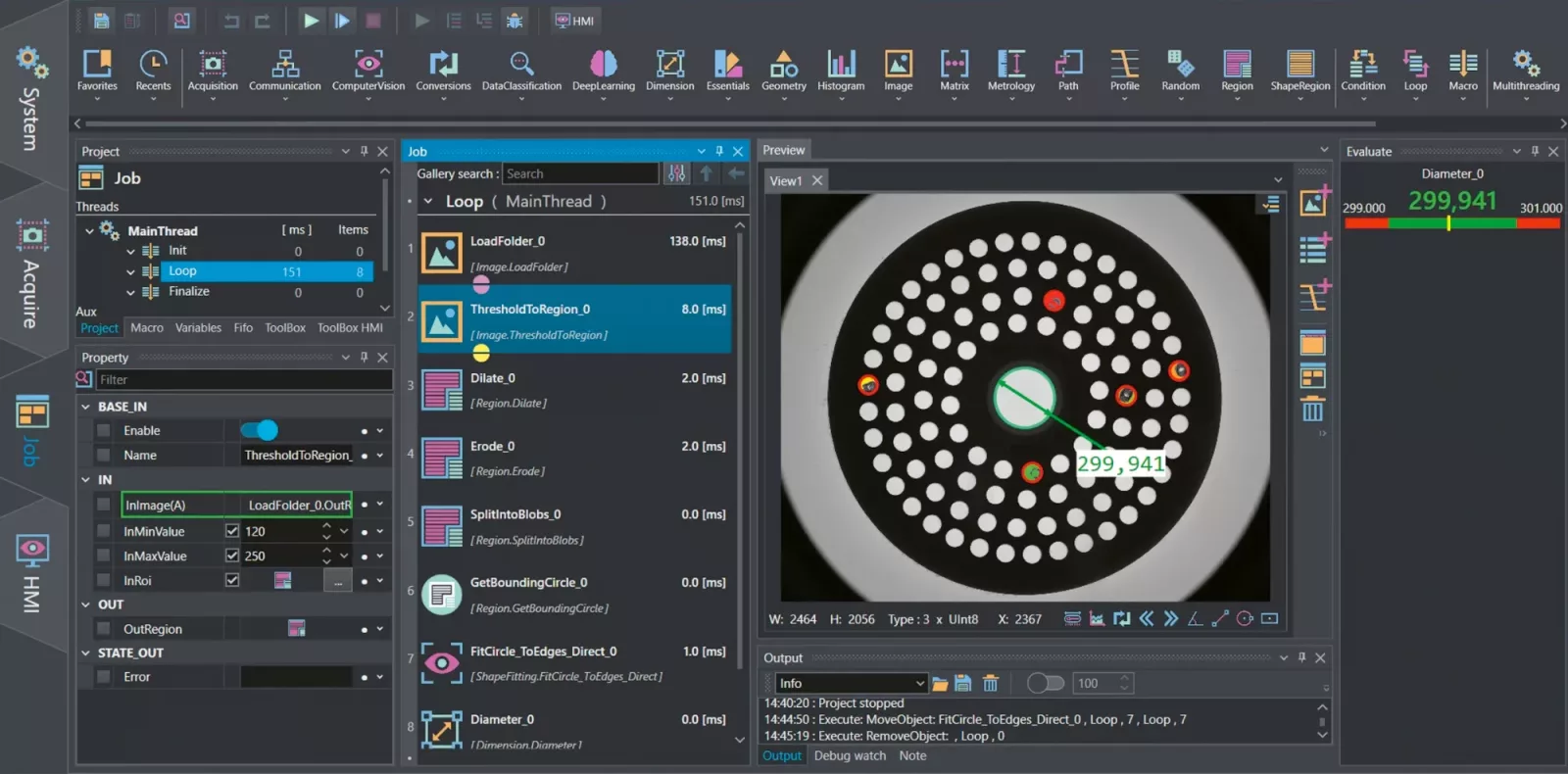
Job
- Create your vision project using various tools.
- Design from scratch a beautiful front end.
- All the windows can be conveniently moved according to the user preferences.
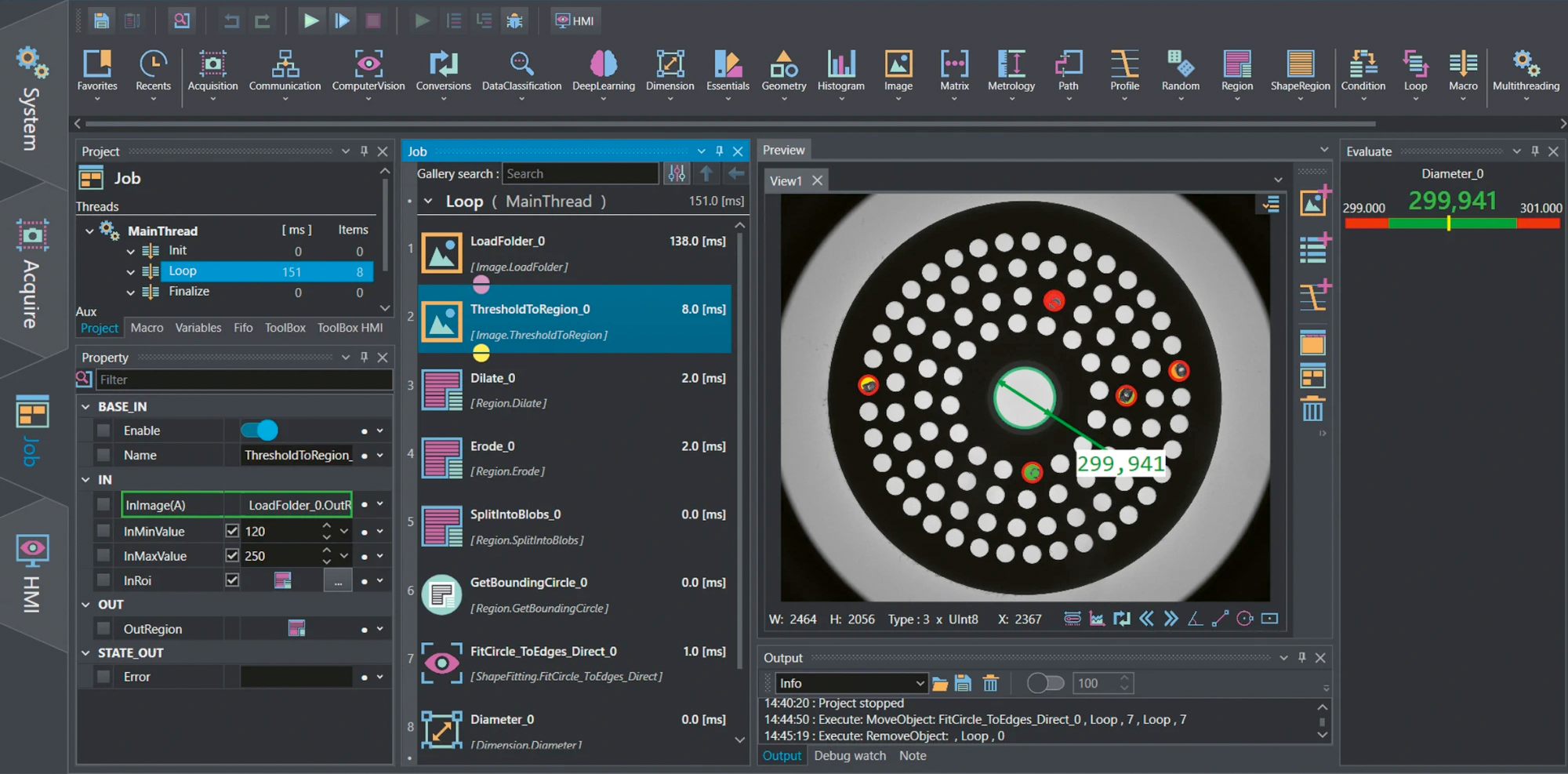
Click on the HMI button to activate several controls to design your application front end interface.
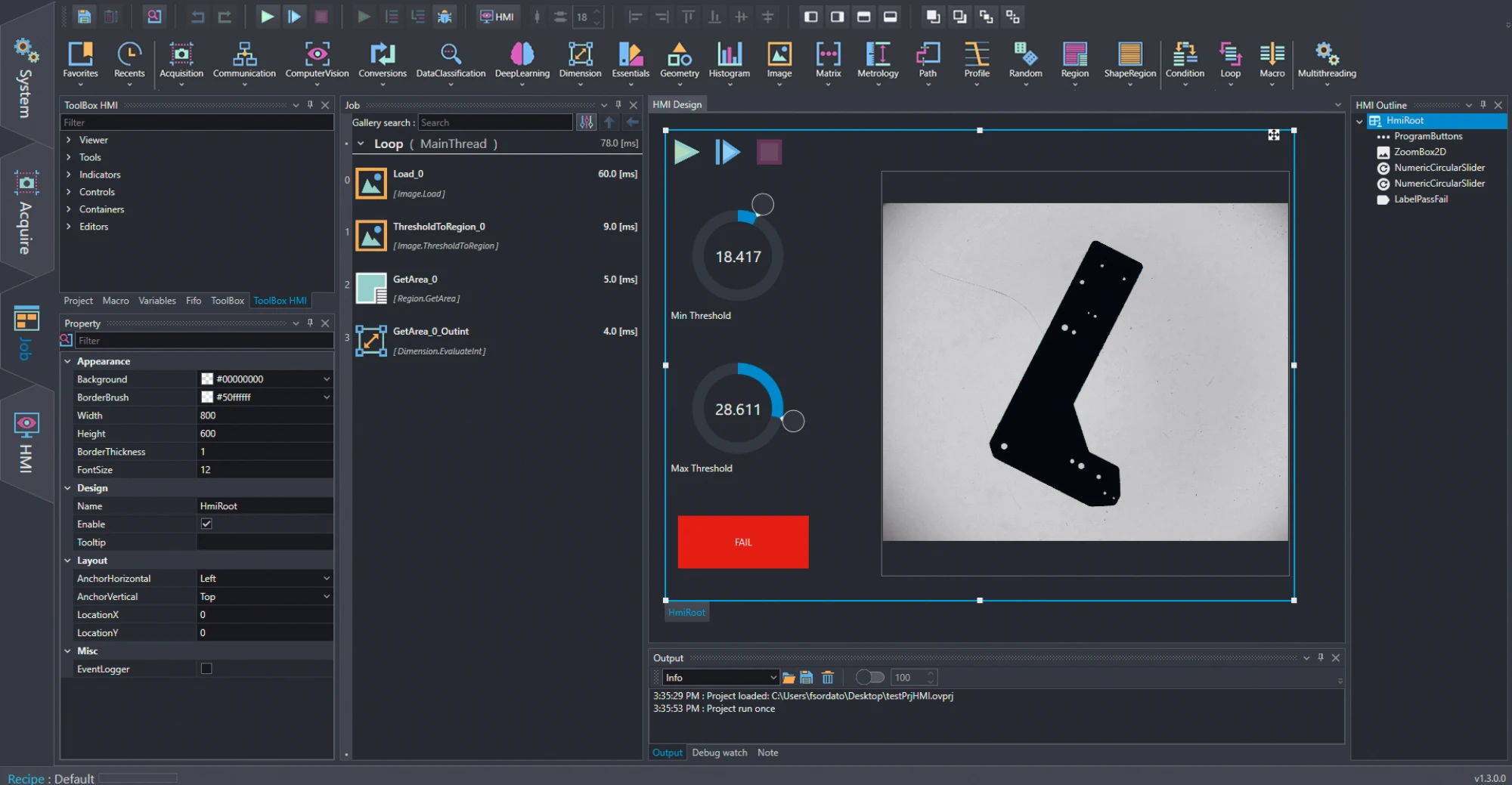

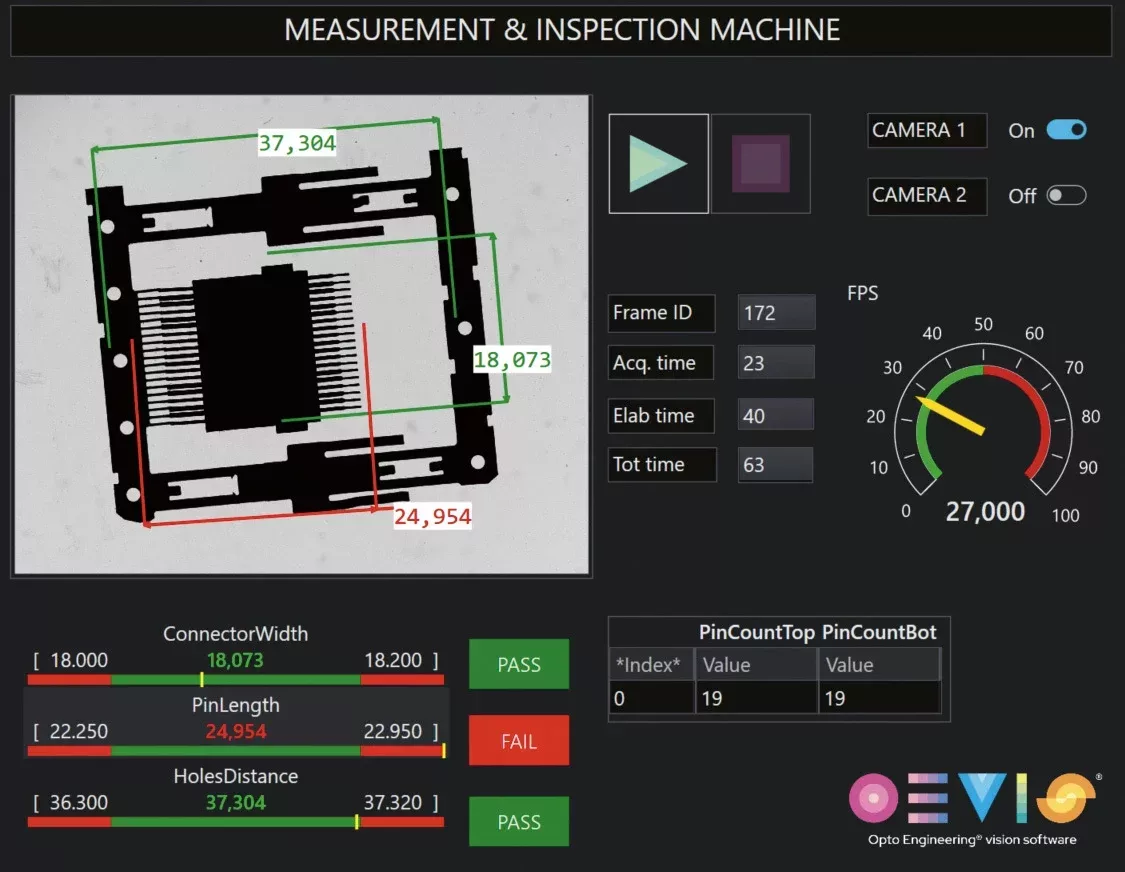
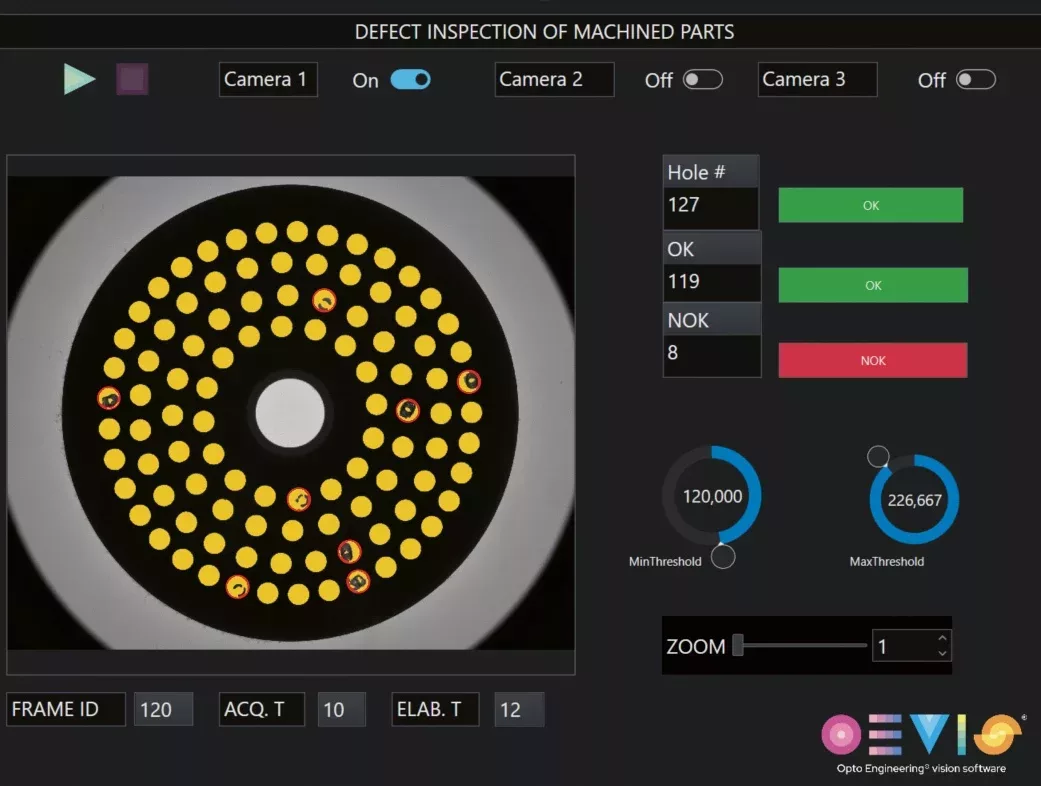
HMI Execution
Results of the processing are displayed to the end user in modern and intuitive front ends.
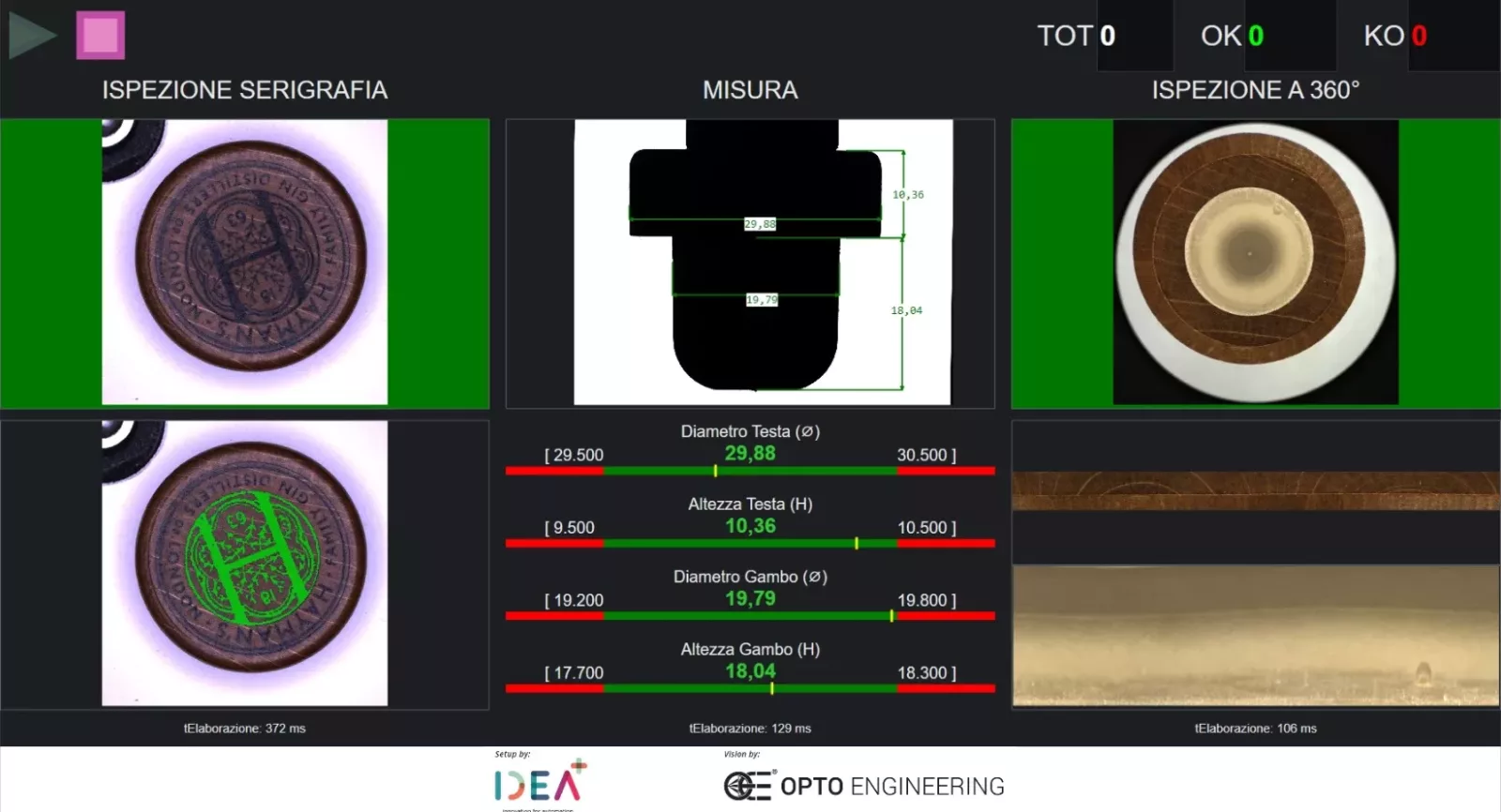
Image processing, segmentation and defect detection

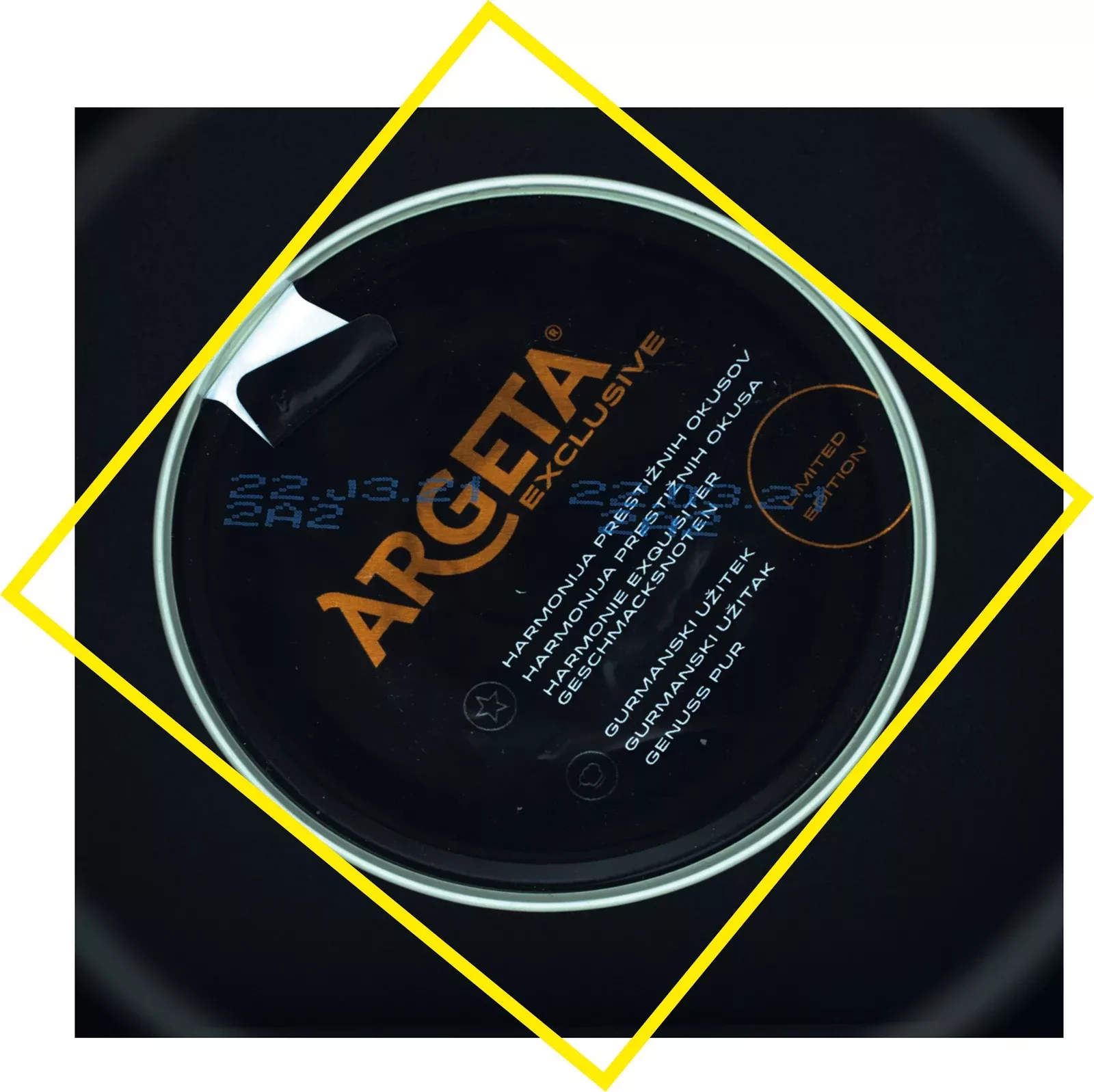
OEVIS® features many algorithms for surface and completeness inspection, including blob analysis, erosion, dilation, opening and closing, segmentation tools, standard, relative, dynamic, color thresholding, image unwrapping and many more.
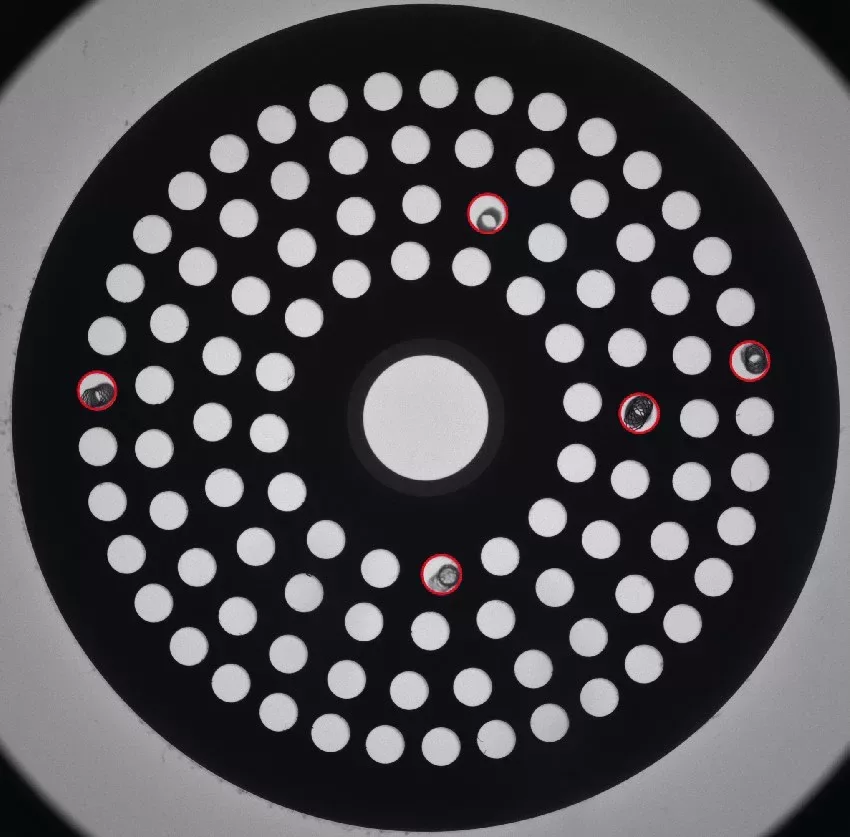
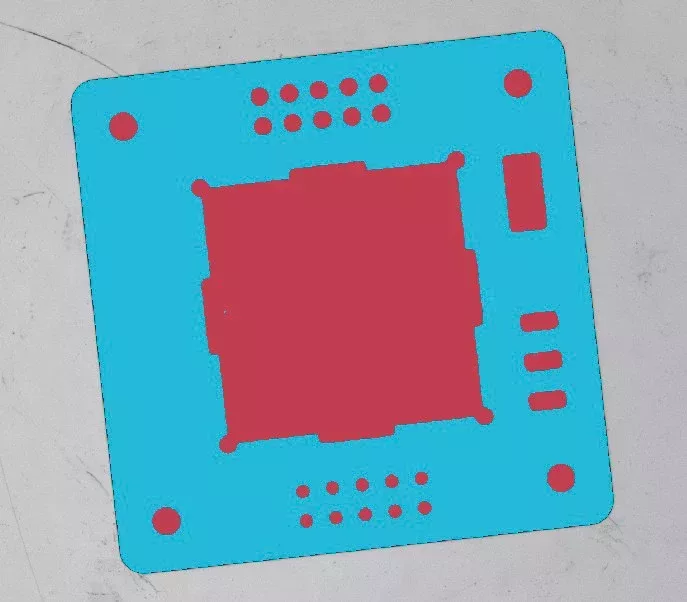
Template matching

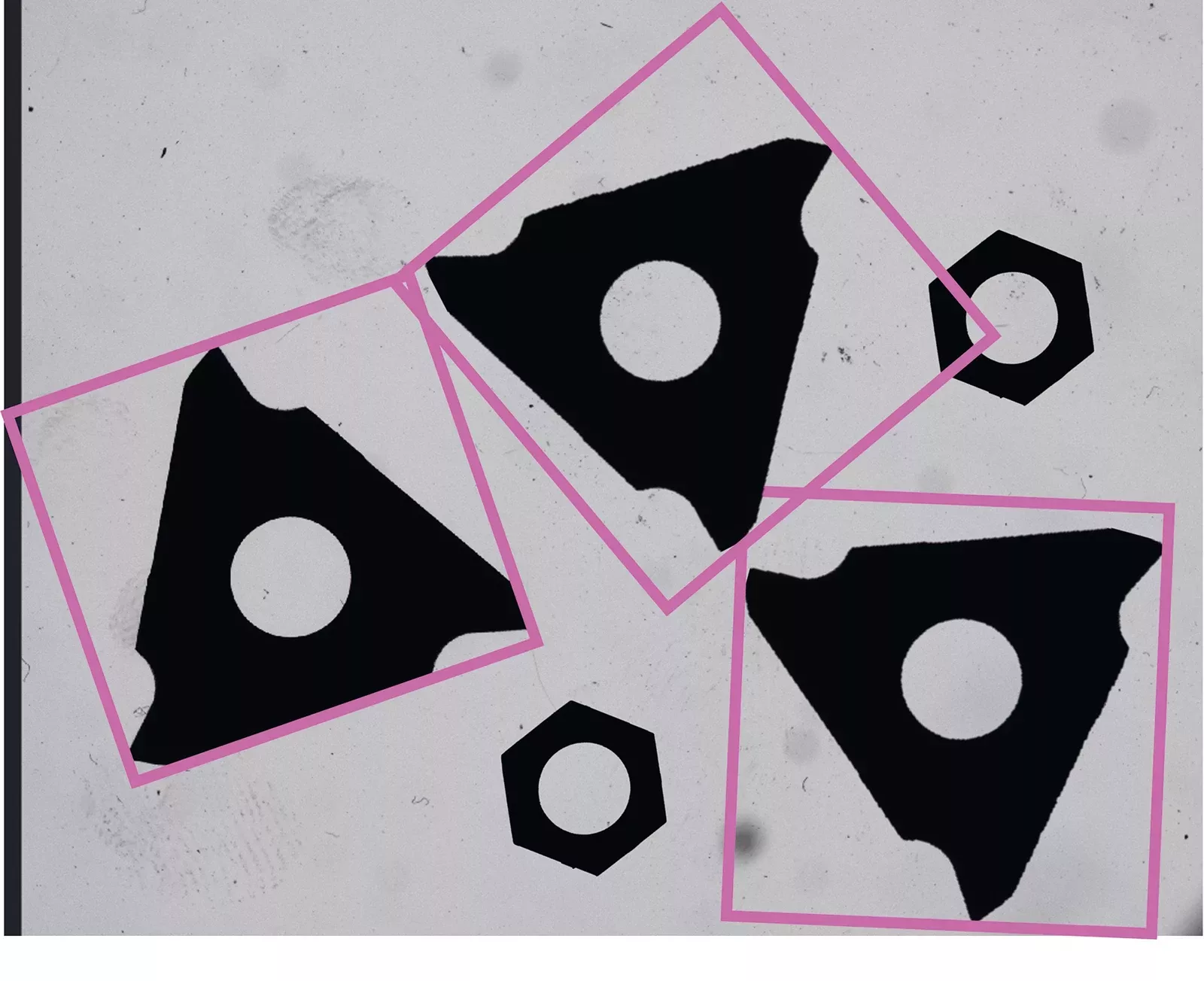
Calibration, correction of distortion, robot guidance

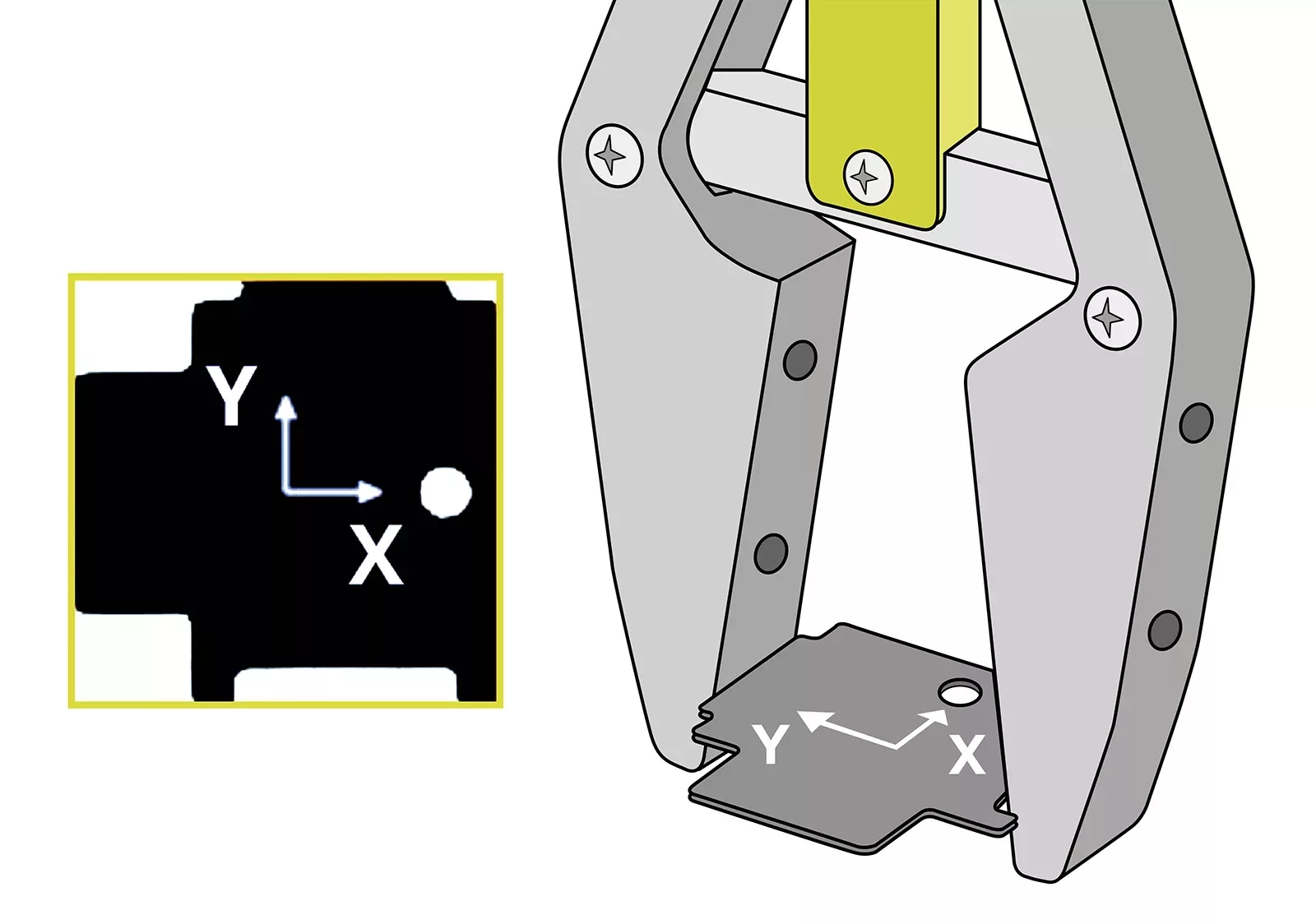
OEVIS® high-performance algorithms for distortion correction meet the requirements of telecentric optics, eliminating perspective distortion. Furthermore, OEVIS® integrates precise hand-eye calibration algorithms for vision-guided robotic applications, such as pick- and-place.

1D -2D edge detection and metrology

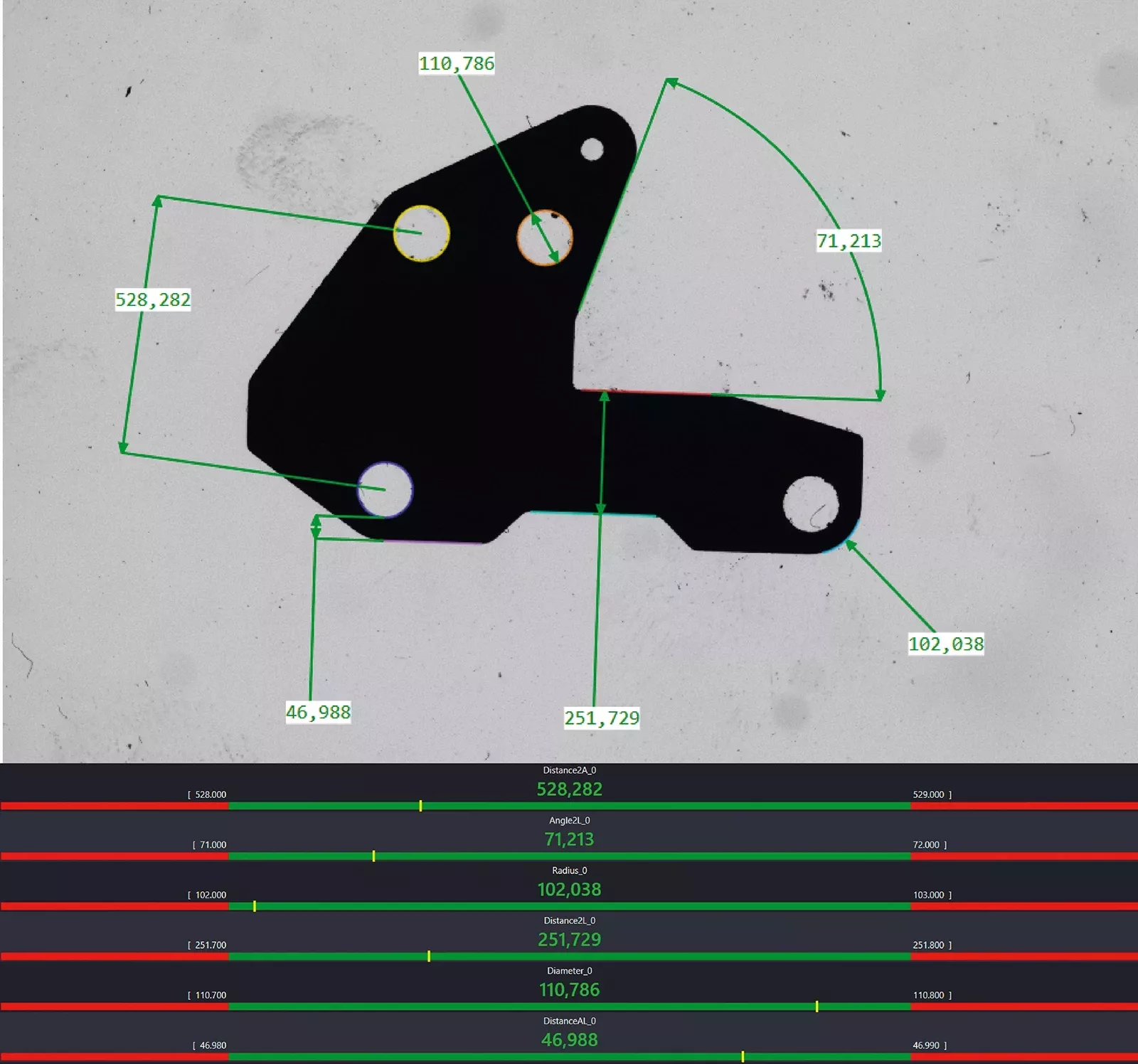
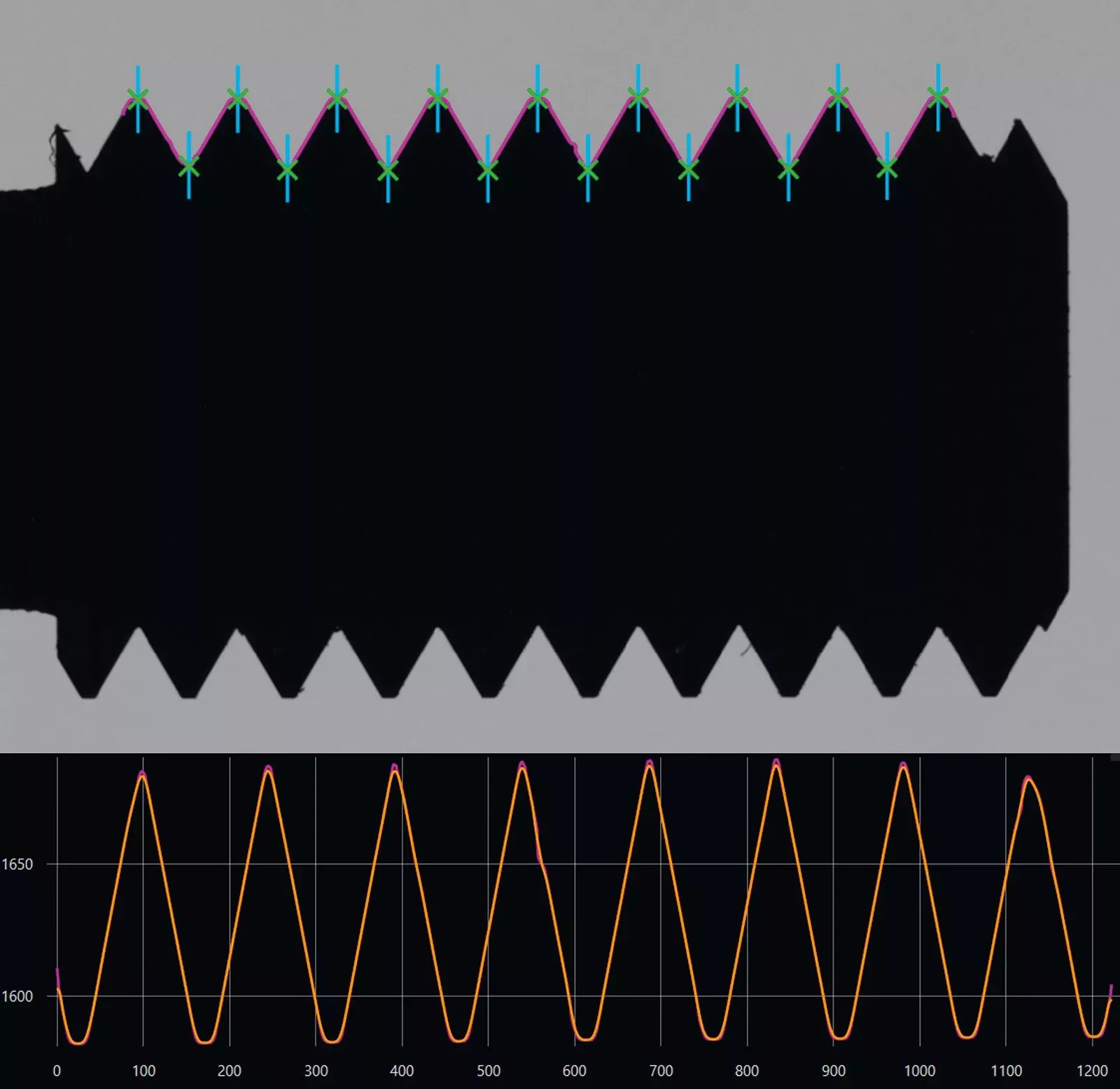
OEVIS® efficiently finds edges using many different algorithms and countour analysis techniques. OEVIS® state-of-the art algorithms measure with subpixel accuracy diameters, lengths, concentricity, radiuses, and angles of complex parts.
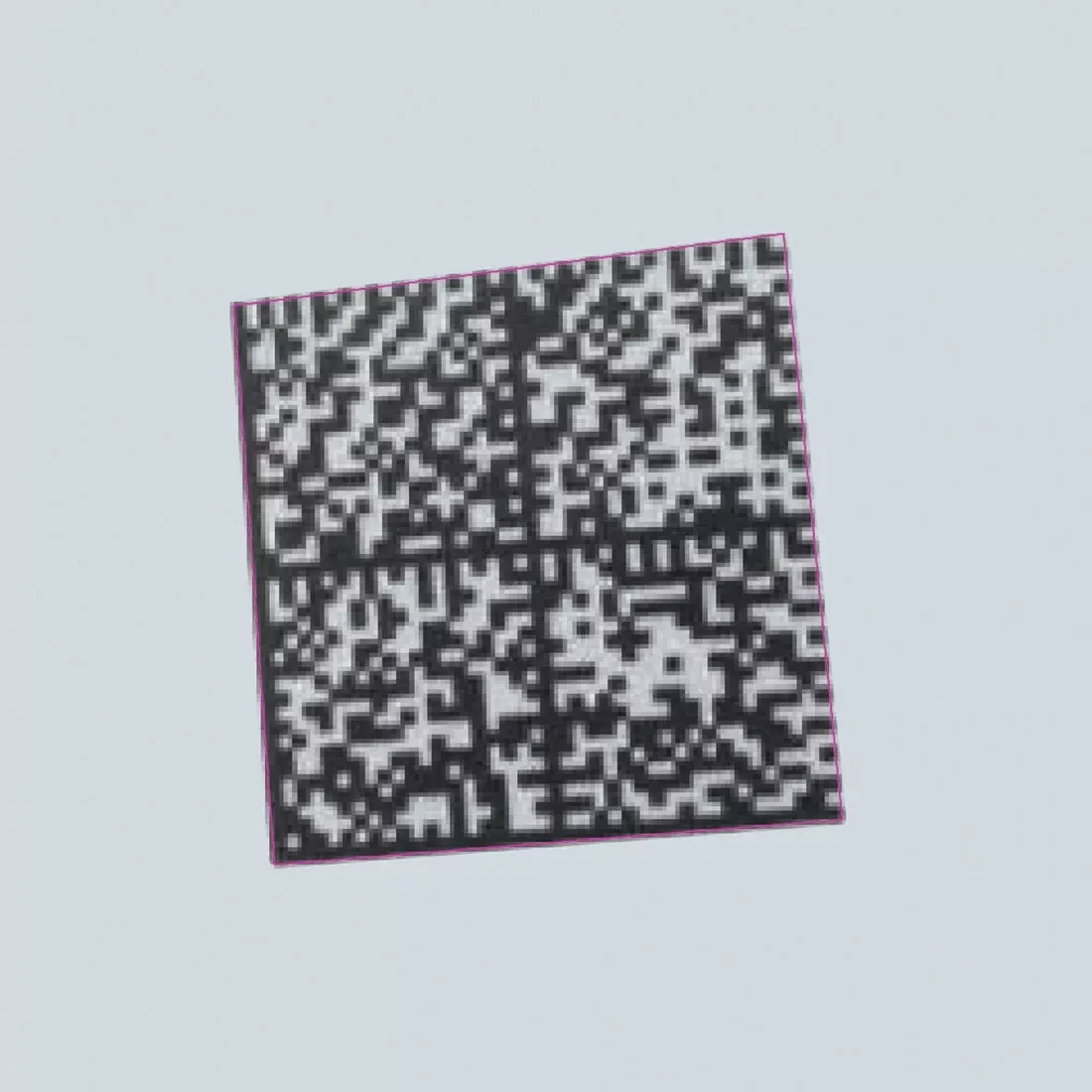
Barcode, QR-code and 2D datacode reading

OEVIS® advanced algorithms ensure high-speed and accurate reading of all common barcodes and a wide range of Data codes, including Data Matrix ECC200, QR, PDF417, Aztec and many others.

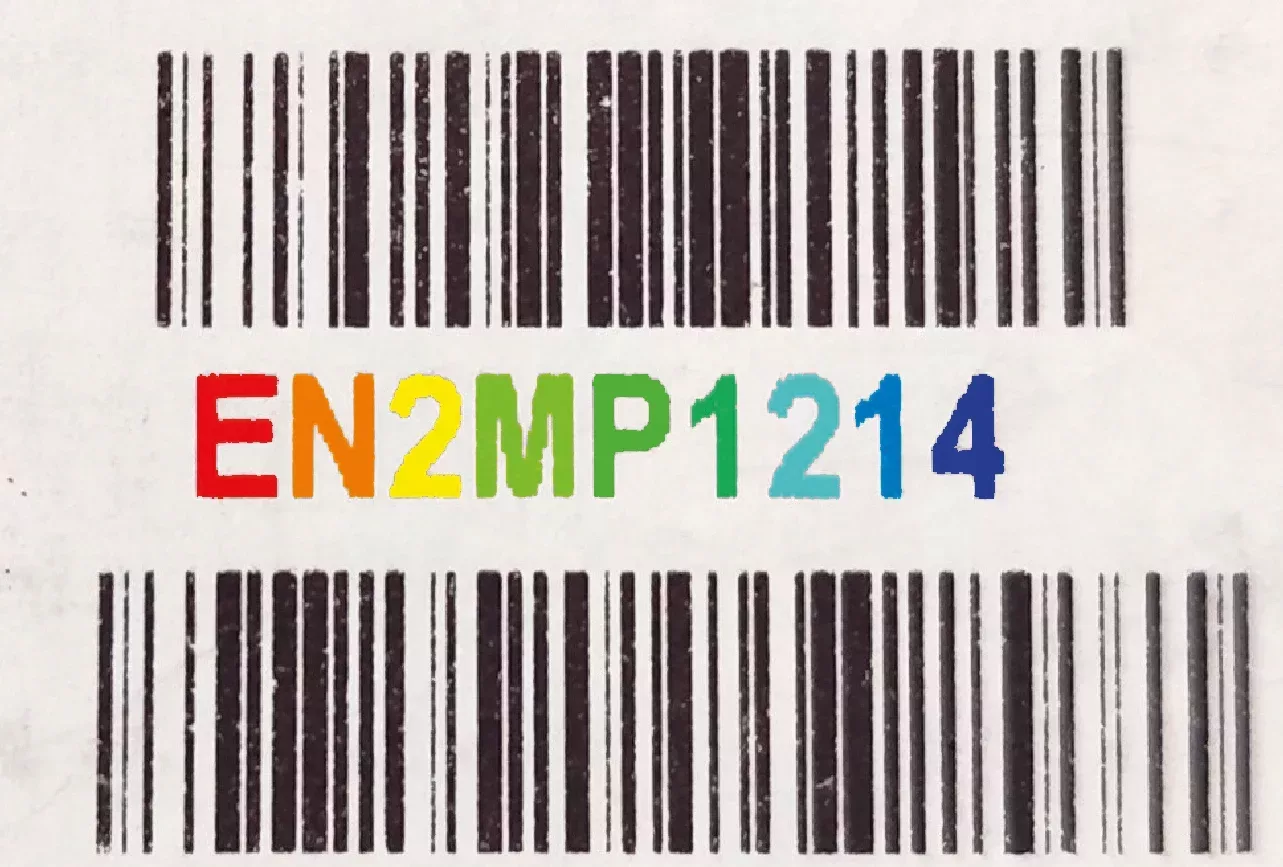
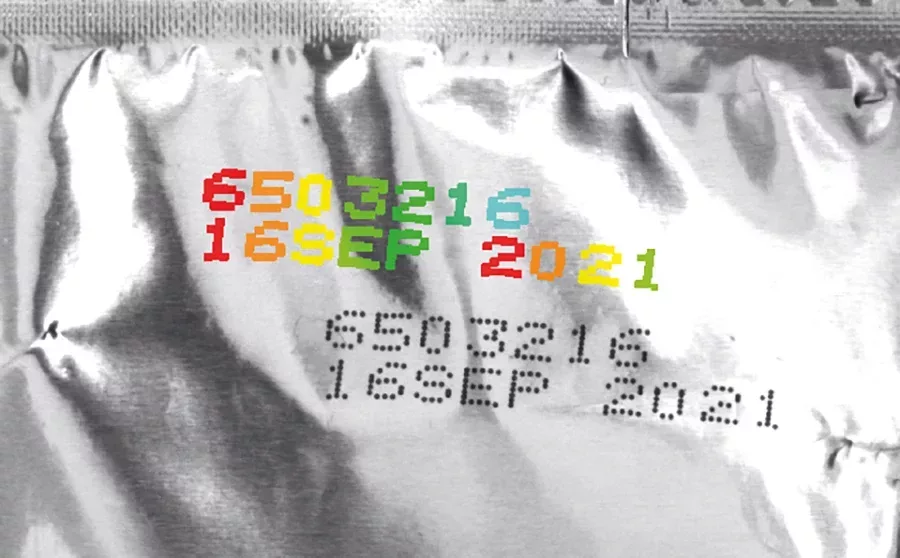
Optical character recognition (OCR)

OEVIS® employs high-performance algorithms to localize characters, irrespective of their orientation or font type. Recognition accuracy is further improved with data augmentation functionalities. Moreover, many pre-trained fonts are available.
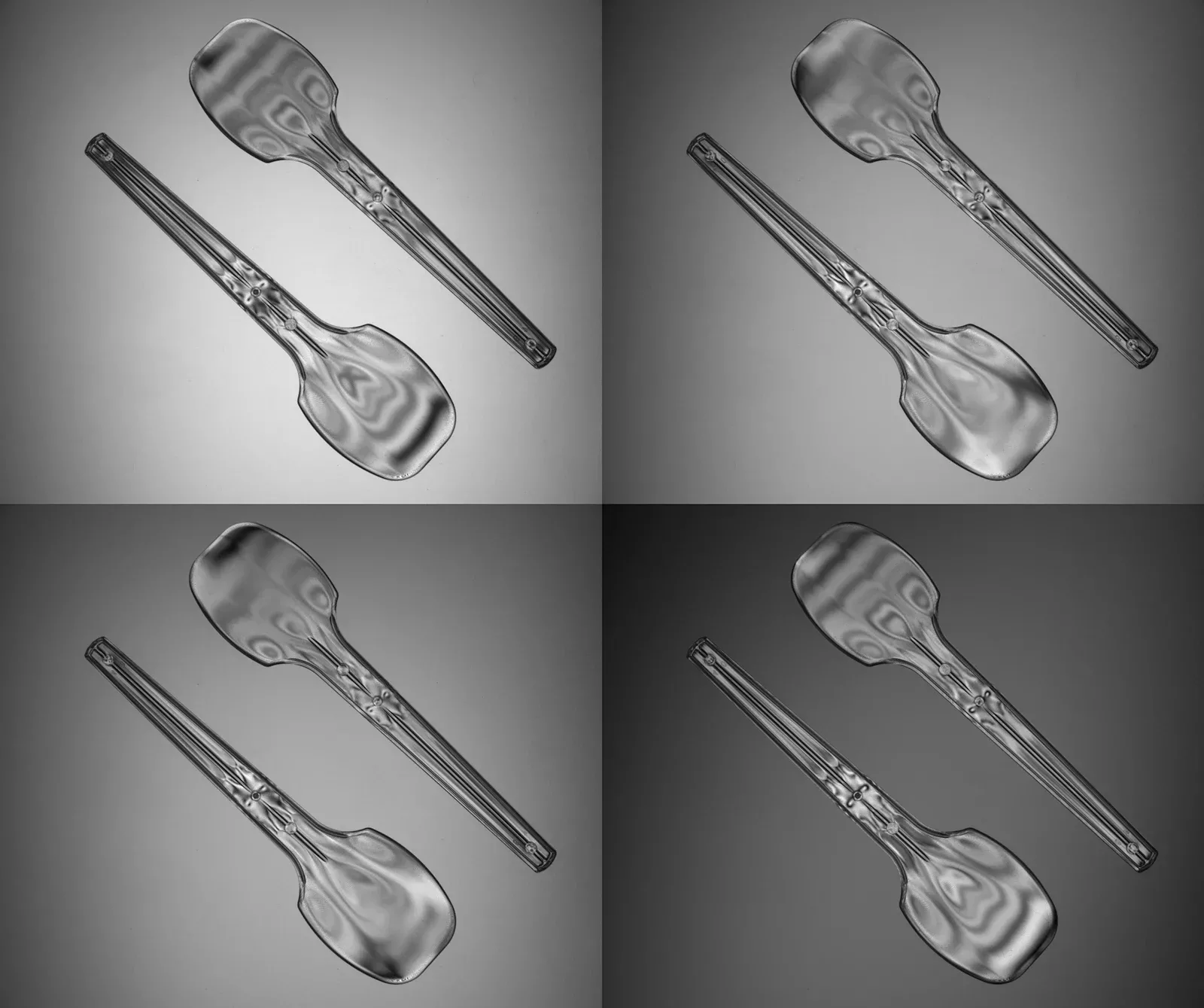
Polarization analysis

OEVIS® features many algorithms to analyze images acquired with polarized cameras, including AoLP/DoLP mapping, simulation of polarization states and so on.

Data classification & machine learning

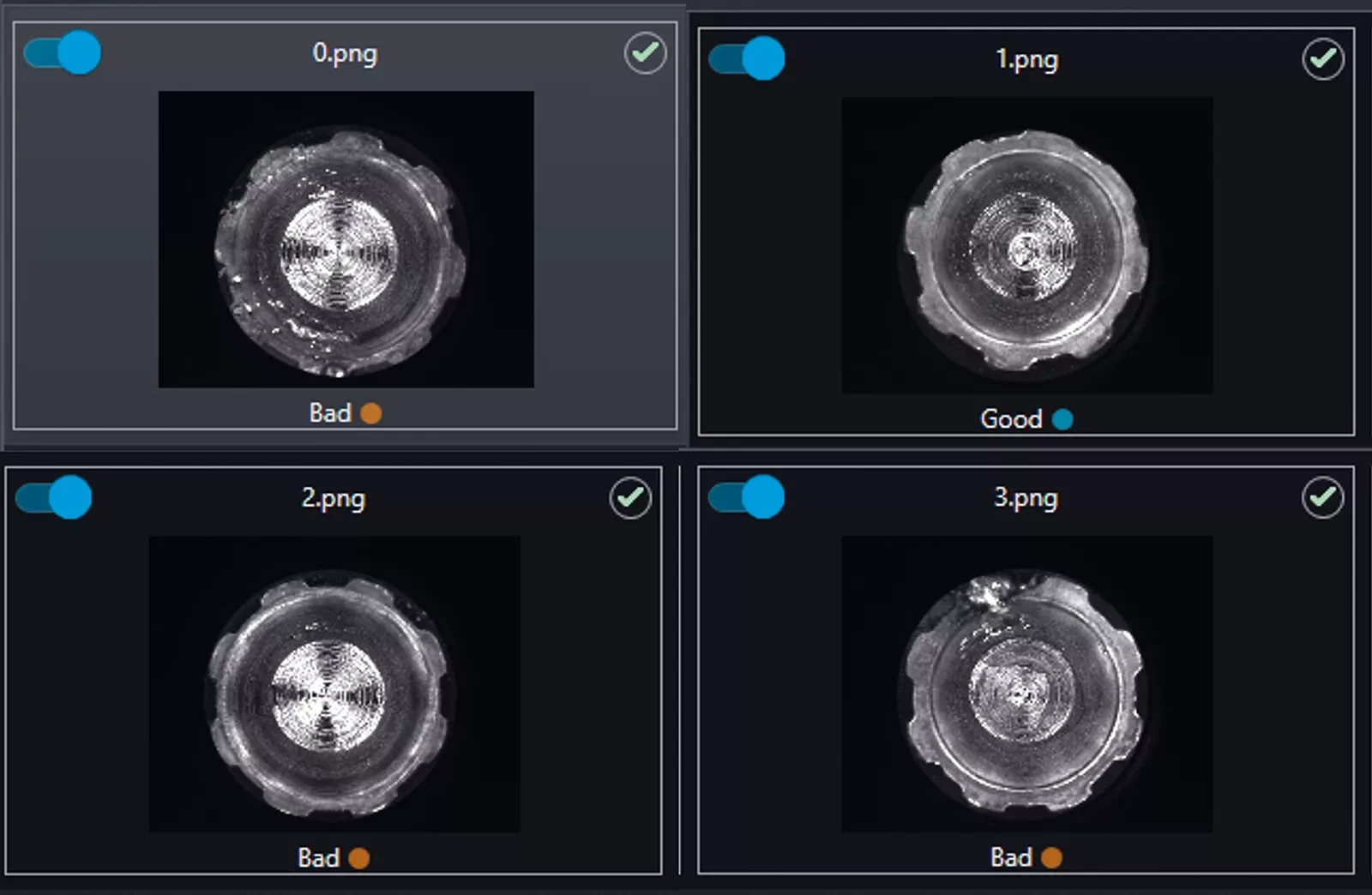
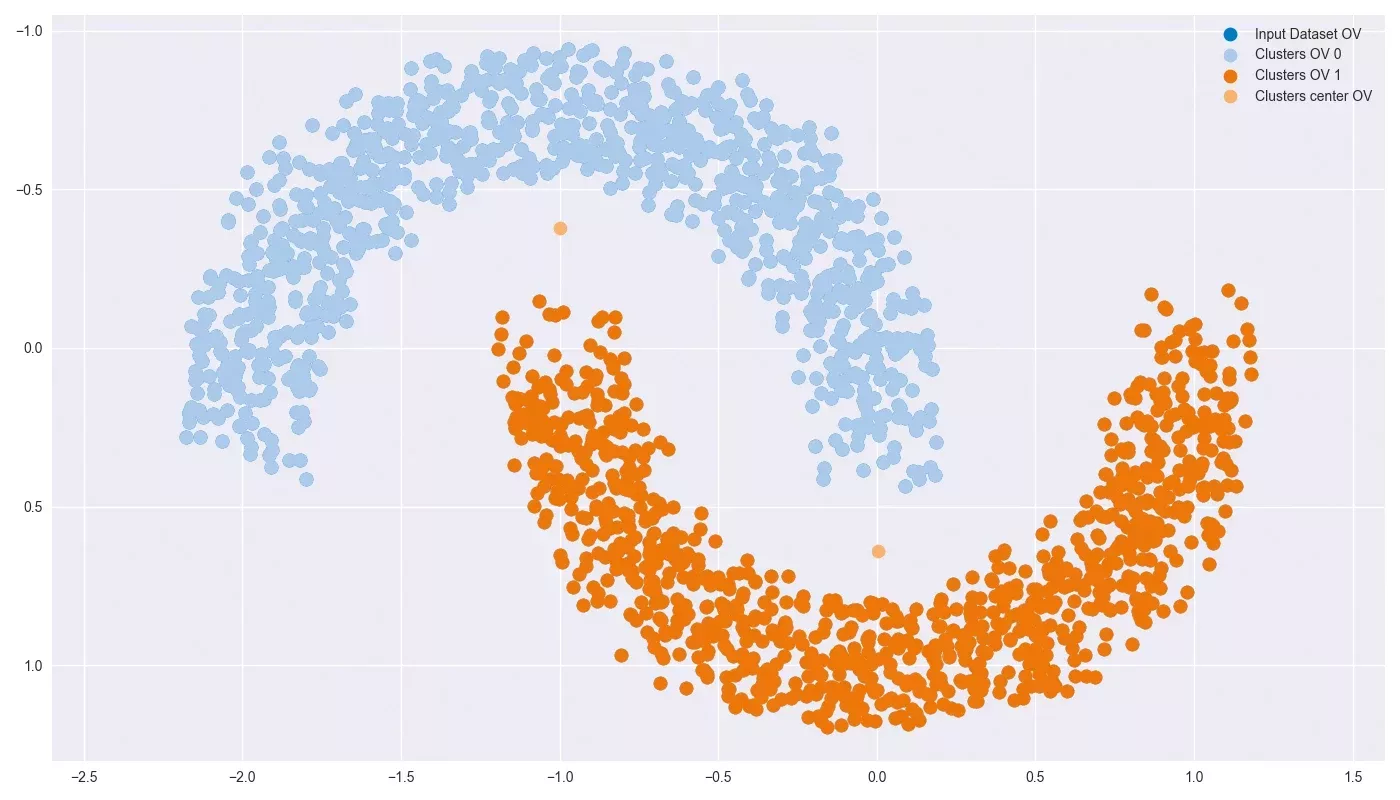
OEVIS® features machine learning models (MLP, SVM, KNN) and clustering functions (KMeans, DBSCAN) for complex image analysis tasks such as distinguishing between different textures or cluster objects with irregular shapes.
ONNX deep learning inference
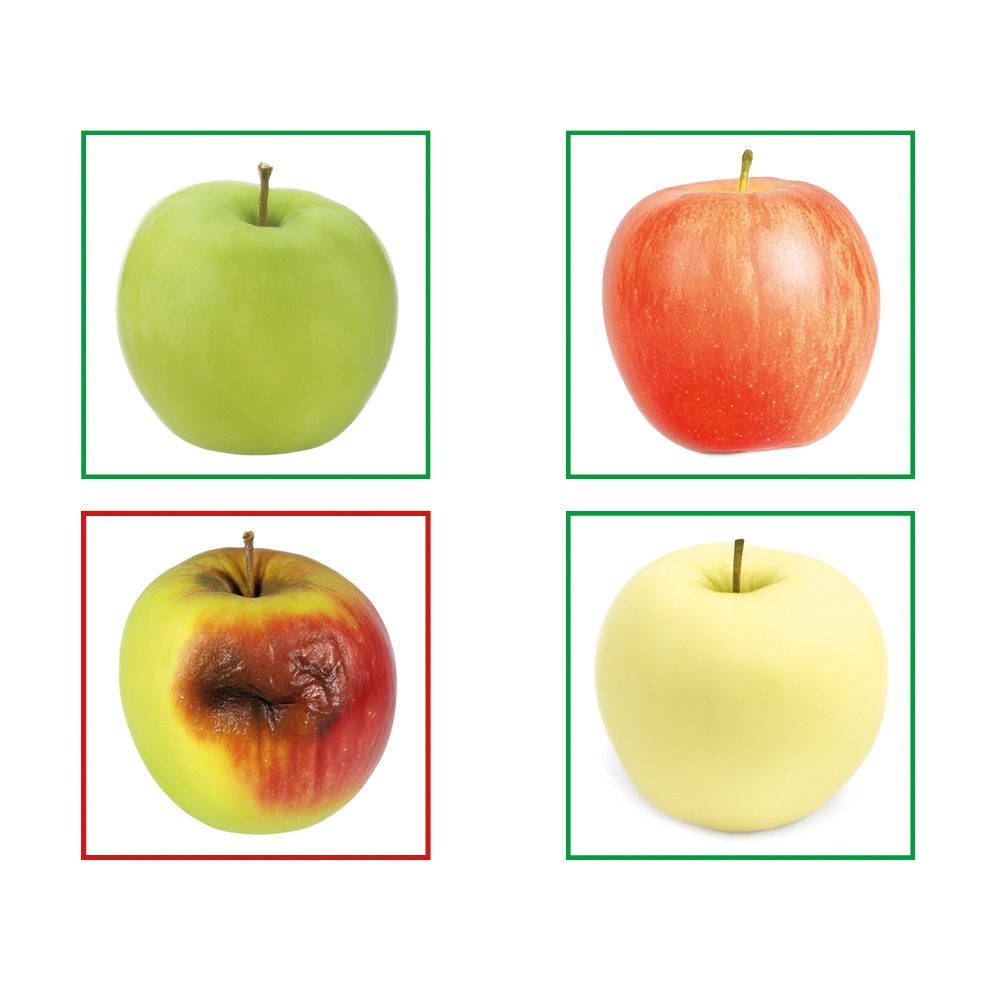
OEVIS® lets you run your own Deep Learning models thanks to its native support to ONNX open-source format. For example you can train a neural network in PyTorch, export it as ONNX and then deploy it in OEVIS® using ONNX Runtime.
OEVIS® is an all-in-one vision software available for Windows-based PC systems.
Why an all-in-one software?
- Within the same software you can acquire and process images, communicate with diverse hardware and design an intuitive front-end for the final user of the vision application
- Use the same license to develop and execute the inspection (combines developer with runtime)
- Without additional licenses you can remotely modify a vision application that is running on the factory floor to
- Add new vision tasks
- Modify the line speed, change parts size, increase the camera resolution and so on
Part numbers
Two types of Licenses and a Service contract are provided:
- Basic license: license required to develop and run a vision program.
- Add-on license: optional additional license that allows you to expand the functionality of the basic License
- Service contract: This contract provides the user with technical support and upgrades for each basic or add-on license to the latest released version, including bug fixes
| Part Number | Description | License type/Contract | Perpetual | License distribution |
|---|---|---|---|---|
| OEVIS | All-in-one machine vision software on USB dongle | Base License | YES | USB dongle |
| OEVIS-A-M (1) | OEVIS multithreading add-on | Add-on License | YES | USB dongle |
| OEVIS-EXT (2) | OEVIS 365-days support & updates service | Service Contract | NO | n.a. |
Notes
- Available exclusively in combination with an OEVIS Base License.
- This service must be purchased when ordering OEVIS for the first time. If you buy OEVIS through an authorized distributor, they will handle your technical support. Contact us to find out whether you can order directly or via a local distributor.
What is OEVIS-EXT?
OEVIS-EXT is a service contract that lasts 365 days and includes:
- Dedicated technical support (1), comprising assistance related to use and operation of the Software, up-to-date documentation, the right to use and modify the sample programs included in the Software
- Upgrade of each License to the latest version of OEVIS (including bug fixes) released before the end of the contract term
- Access to purchase of new Add-ons released before the end of the contract term
Only one OEVIS-EXT service contract per customer is required along with the purchase of the first OEVIS license, regardless of the number of OEVIS licenses and related add-ons ordered.
Opto Engineering® recommends to renew OEVIS-EXT annually. Contact us for further details about OEVIS-EXT terms of service.
Notes
1. If you buy OEVIS through an authorized distributor, they will handle your technical support. Contact us to find out whether you can order directly or via a local distributor.
Tech notes

Documentation
Browse the full documentation including getting started guide, explanation of tools and data types, multiple example projects and much more
Want to know more?

Try OEVIS® for free
Test all the features and tools in the free trial version of OEVIS® for 30 days! The trial version includes all the features and add-ons.
Log-in to Opto Engineering® customer portal, go to the OEVIS® section and request a free trial.
If you do not have an account yet, please register with a new account.
How to get OEVIS®
Have you already purchased OEVIS®?
Log-in to Opto Engineering® customer portal to download OEVIS® installer and update your hardware license key
If you do not have an account yet, please register with a new account.